Make time for it
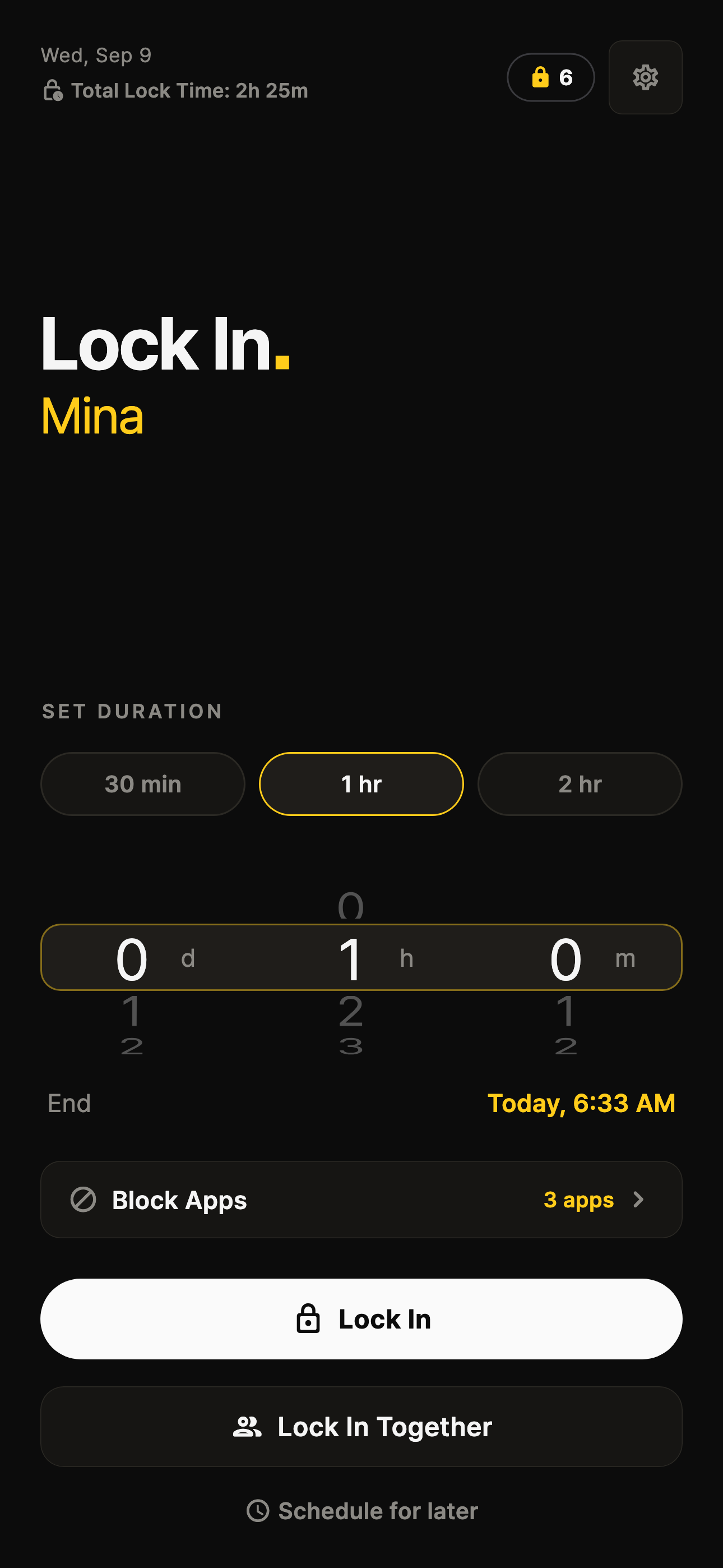
Choose a focus duration and the apps you want to restrict, then create a Together session.
Focus together, Block Distractions.
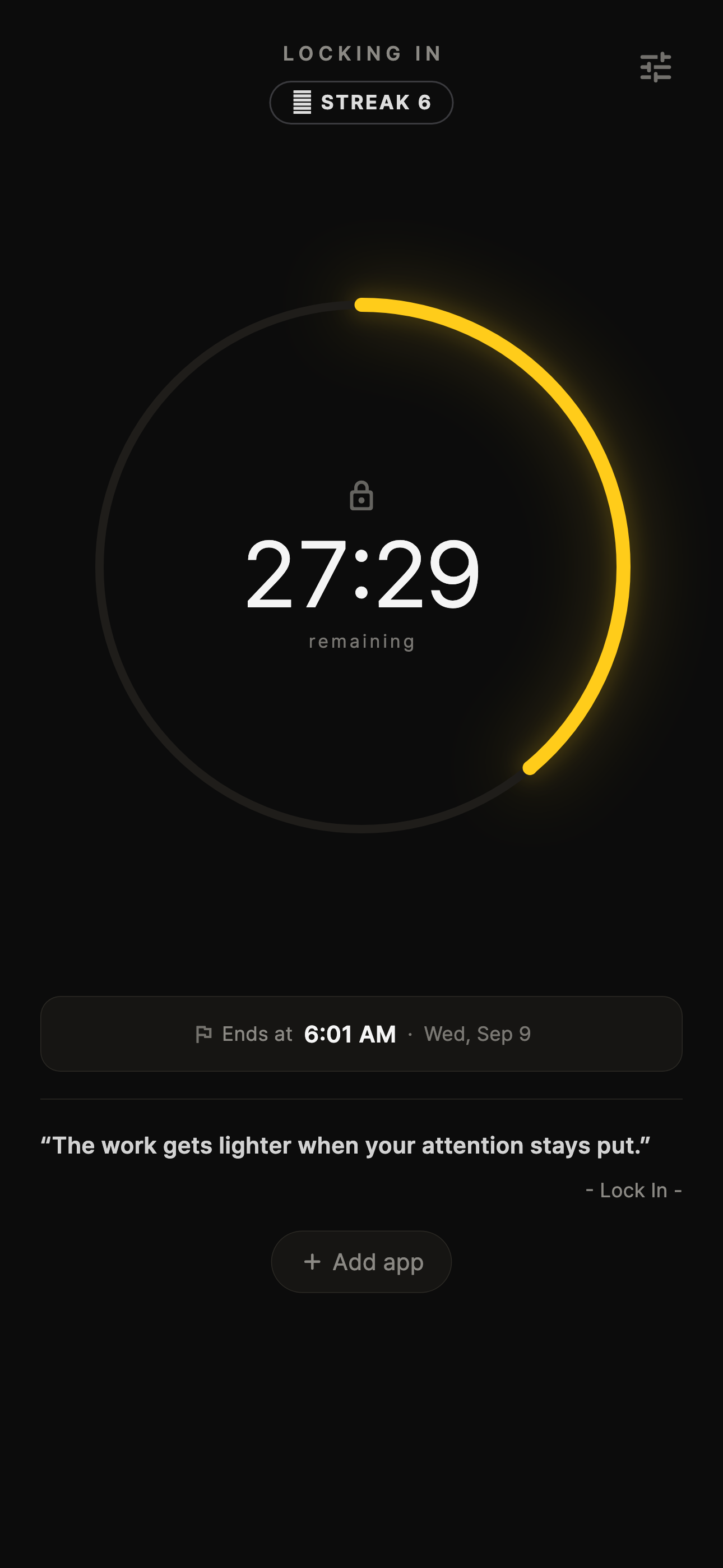
Bring your friends. Set aside time. Start together. Block distracting apps while each of you focuses on what matters.
Free to download · Optional in-app purchases

Together sessions
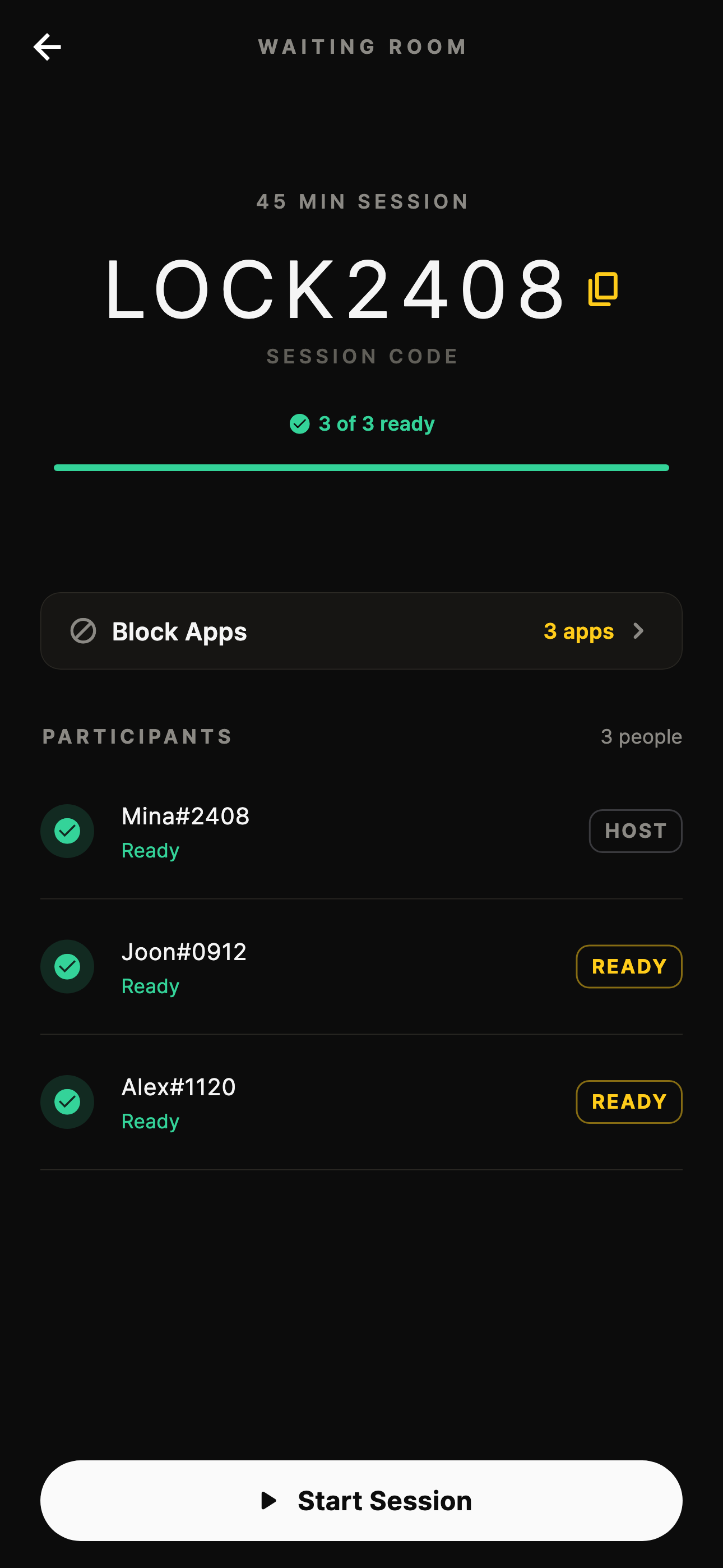
Share one session code. See when your friends are ready, then start together. Study, work, or make something. Each of you chooses what to focus on.
Make it a plan together
Pick a time with your friends.
Show up for the same session.
Give your own goals your attention.
Your first session together
One session code brings your friends into the same focus session. Choose a duration, get everyone ready, and start together.
Choose a focus duration and the apps you want to restrict, then create a Together session.
Share the session code so your friends can join. See who is ready in the waiting room.
When everyone is ready, the host starts the session. Each of you can focus on your own task.
UPCOMING APP UPDATE PREVIEW · EXAMPLE SESSIONS AND PROFILES
Try a minute of focus
Try this one-minute timer. In the app, you can block distractions and start a focus session with friends.
The timer preview is unavailable. You can still explore and download the app.
Progress
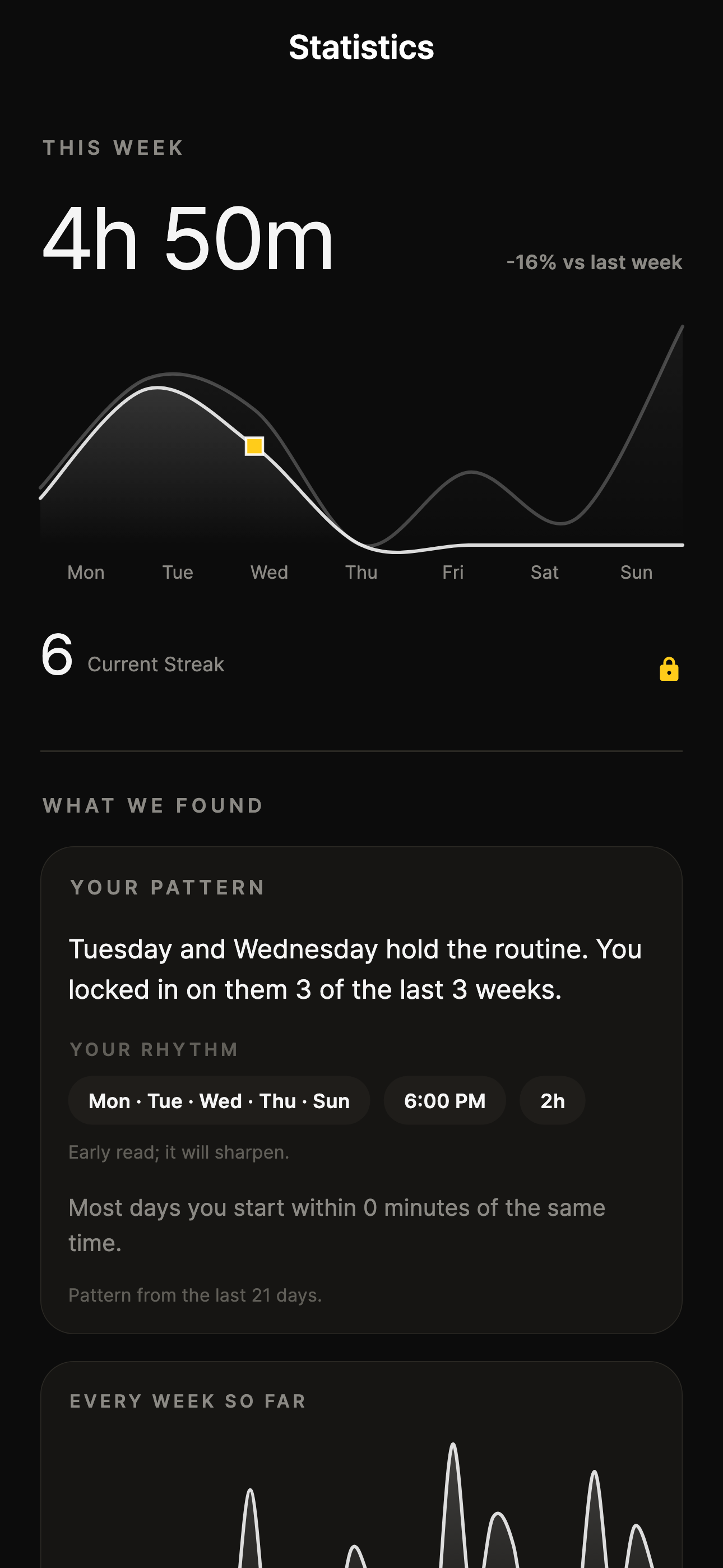
Completed sessions build a calendar and progress history. Look back at when you focused, follow your goals, and choose the next session from evidence instead of guesswork.
Good to know
Create a Together session and share its code with your friends. They can join and mark themselves ready. Once everyone is ready, the host starts the shared session.
You choose apps to restrict during a focus session. Blocking behavior depends on your device, operating system, granted permissions, and selected apps.
Yes. Start a solo timer whenever you need a clear boundary. Together sessions are available when you want to focus with friends.
The app records completed session activity so you can review focus time, calendar history, goals, and related progress views.
In the app, open Settings → Delete Account. You can also request deletion by emailing support@lockintogether.com. See Support for details.
Visit Support or email support@lockintogether.com.
Make your next session a shared one
Free to download · Optional in-app purchases